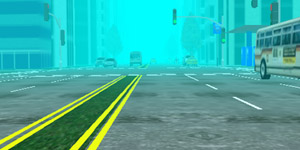
Rain with poor visibility
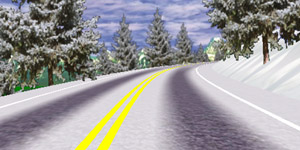
Snowy and slippery mountain road
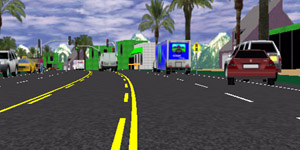
Pursuit - cars react to siren
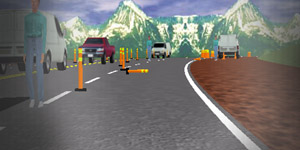
Drunk driving demonstration
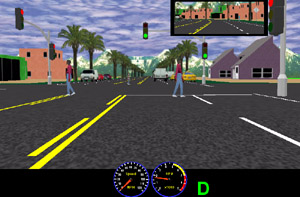
Intersections at a beach town
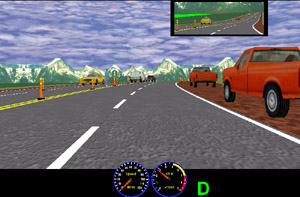
Construction Zones
Drive Square's patented driving simulation hardware platform works with a number of software simulation engines available on the market to support a variety of applications. Below is a list of software packages that we currently support.
The basic version of Adiona™ is the most commonly chosen and cost-effective option for driving simulation software. It is frequently employed for general driver safety training, DUI/DWI prevention programs, marijuana-intoxicated driving, and demonstrations of texting while driving. A professional version of Adiona™ is used in law enforcement, firetruck, and ambulance re-training. Moreover, it is possible to network several simulators together, enabling drivers to see each other's vehicles while practicing in the same pursuit scenario. Fleet operators also use Adiona to provide their drivers with opportunities to practice safe driving skills.
|
Rain with poor visibility |
Snowy and slippery mountain road |
|
Pursuit - cars react to siren |
Drunk driving demonstration |
|
Intersections at a beach town |
Construction Zones |
Choose STISIM Drive™ software for a light-weight versatile low-cost simulation engine. Easy, script-based driving scenario and terrain design. Data collection is a snap. Make video files or DVDs of your drive.
Selected screen shots are shown on the right. Click to see a larger image.
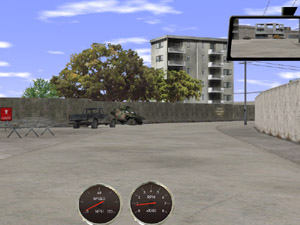
Afghanistan |
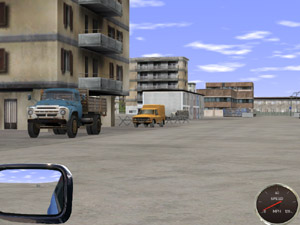
Kabul |
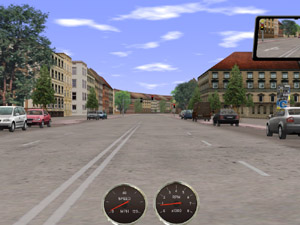
Munich |
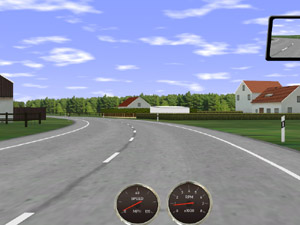
Country |
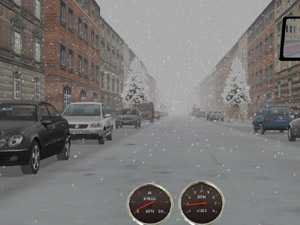
Snow |
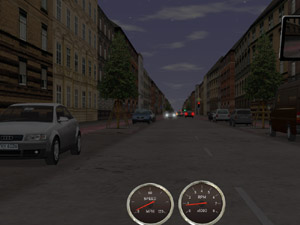
Dusk |
Choose KMW software for exceptionaly high quality video rendering.
Selected screen shots are shown on the left. Click to see a larger image.
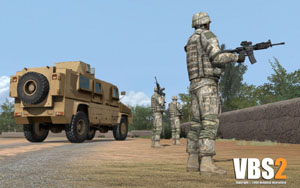
Prison |
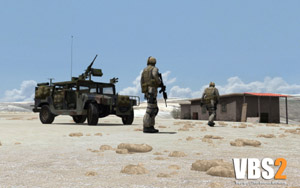
Rahmadi |
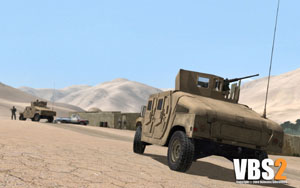
Village |
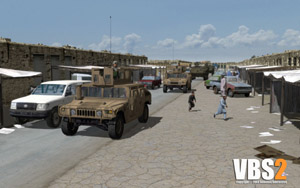
Convoy |
Choose VBS3/4™ software for training that goes a little beyond driving.
Selected screen shots are shown on the right. Click to see a larger image.
For additional information e-mail: sales@drivesquare.com or call 1-617-762-4013 x.2